QR MakerGet the app

QR Maker / Link to QR code

Turn a link into a QR code

Paste any web address. People point their camera at the code and the page opens.

  • Free
  • No sign-up
  • Never expires

Paste or type it. We add https:// for you.

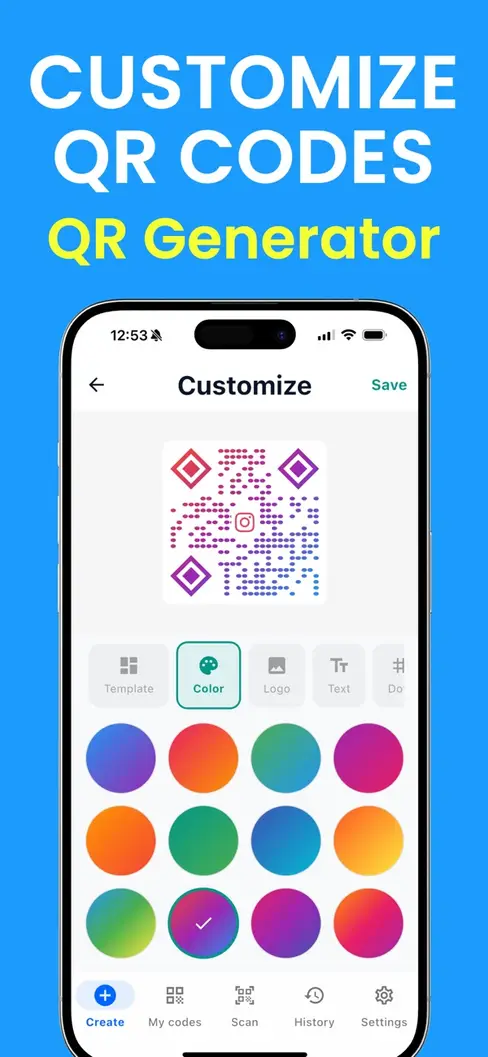
StyleColors, shape and logo
Colors
Dots
Corners
Logo

Made on your device. What you type is never uploaded.

Fill in the form and your code appears here.

On iPhone, press and hold the code to save it to Photos.

How to make a QR code from a link

  1. Copy the link

    Open the page you want people to reach and copy its address from the browser bar or the Share menu.

  2. Paste it above

    The code draws itself as soon as the address is complete.

  3. Download and test

    Save a PNG or SVG, scan it with your phone, and check that the right page opens.

Where to find the link

To shareGet the link like this
A website or menuCopy the address from the browser bar.
A Google FormChoose Send or Share and copy the link for respondents.
An Instagram profileOpen your profile, tap Share profile, then Copy link.
A Facebook pageOpen the page, tap the three dots, then Copy link.
A YouTube videoShare, then Copy link.
A PDF or documentUpload it to Drive, Dropbox or your site, share by link, copy that link.
A Google review pageIn your Google Business Profile, use the option to ask for reviews and copy its link.

Tips for a link code that works

Shorter links make simpler codes

A long address needs more dots, and more dots are harder to scan from a distance. Trim tracking clutter you do not need, and prefer the plain address of the page.

Open the page on a phone first

Everyone who scans arrives on a phone. Check that the page loads quickly, is readable without zooming, and does not ask for a login the visitor will not have.

Say what the code does

A code on its own gets ignored. Put a few words beside it: "Scan for the menu", "Scan to book", "Scan to leave a review".

Size it for the distance

A rough rule: the code should be about one tenth as wide as the distance people scan from. Arm's length on a table needs about 3 cm; a poster read from two metres needs about 20 cm.

QR Maker for iPhone

Your codes, saved and styled, on your iPhone

  • Every code you make is saved, ready to show or share
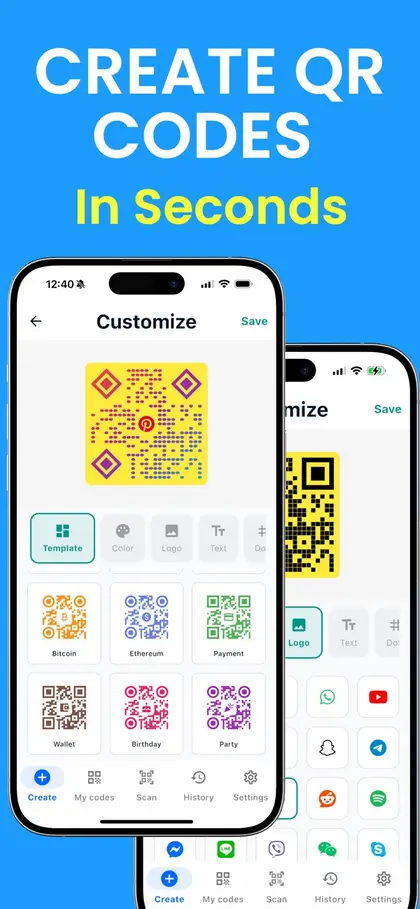
  • Gradient colors, templates and custom corner shapes
  • Scans QR codes and barcodes too
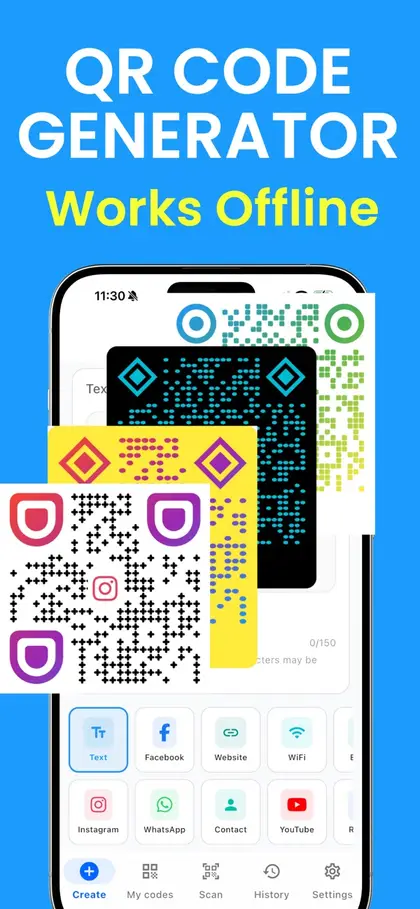
  • Works without an internet connection
Download QR Maker on the App Store

Scan with your iPhone camera to get the app

Free to download on the App Store.
Link QR code questions

How do I turn a link into a QR code?

Paste the link into the box at the top of this page. The code appears straight away. Download it as a PNG or SVG, or print it.

Will the QR code stop working?

The code itself never expires: it holds your link directly and does not pass through our servers. It keeps working for as long as the page it points to stays online at the same address.

Can I change the link later?

No. The link is fixed in the code. If you might move the page, point the code at an address you control and can redirect, such as a page on your own website.

Can I see how many people scanned it?

The code itself cannot count scans. If you use website analytics, add a tag to the end of the link before you make the code, for example ?utm_source=qr&utm_medium=flyer. Visits from the code then show up under that name.

How do I make a QR code for a Google Form?

Open the form, choose Send or Share, and copy the link for people filling it in. Paste it here. Anyone who scans the code opens the form ready to fill in.

How do I make a QR code for a PDF?

A QR code holds a link, not the file. Upload the PDF somewhere it can be opened by link, such as Google Drive, Dropbox or your website, set sharing to "anyone with the link", then paste that link here.

Does the link need https://?

You can leave it off: we add https:// for you. If your page only works with http://, type that in full.

More QR tools