QR MakerGet the app

Free QR code maker

Make a QR code for a link, a Wi-Fi network, a contact card and more. No account, and your codes never expire.

  • Free
  • No sign-up
  • Never expires

Paste or type it. We add https:// for you.

StyleColors, shape and logo
Colors
Dots
Corners
Logo

Made on your device. What you type is never uploaded.

Fill in the form and your code appears here.

On iPhone, press and hold the code to save it to Photos.

How to make a QR code

  1. Pick what it should do

    Open a link, join Wi-Fi, save a contact, show text, or start an email, text message or call.

  2. Fill in the details

    The code draws itself as you type. Open Style to change the colors, round the dots or add a logo.

  3. Save and test it

    Download a PNG or SVG, or print it. Scan it once with your own phone before you share it.

What you can make

Why people use this one

New to this? Read the short guide: how to make a QR code.

QR Maker for iPhone

Your codes, saved and styled, on your iPhone

  • Every code you make is saved, ready to show or share
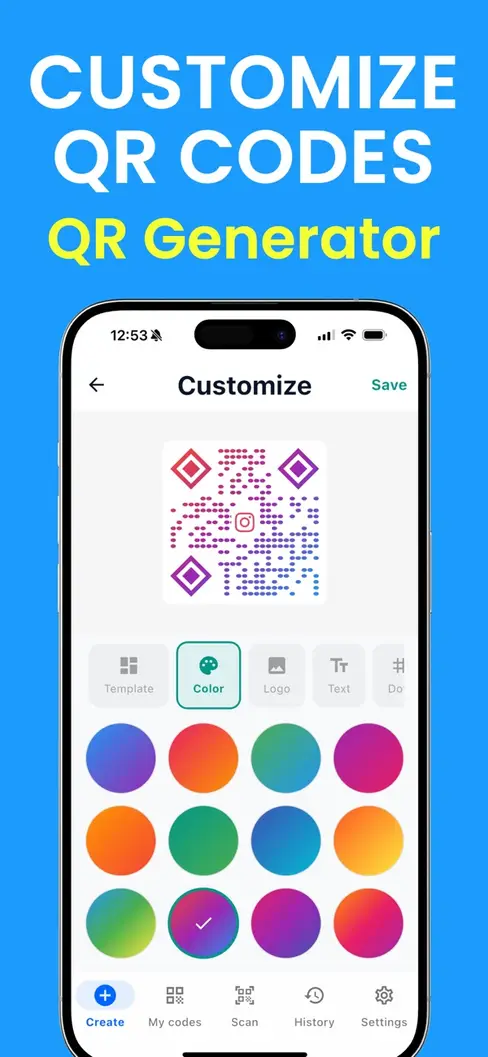
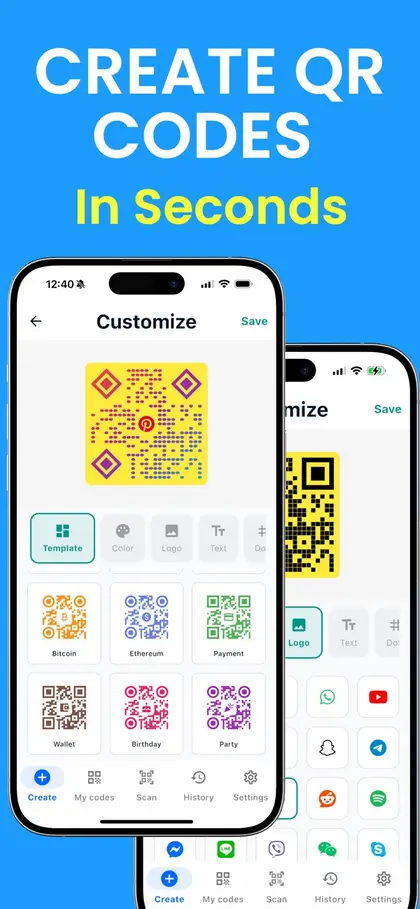
  • Gradient colors, templates and custom corner shapes
  • Scans QR codes and barcodes too
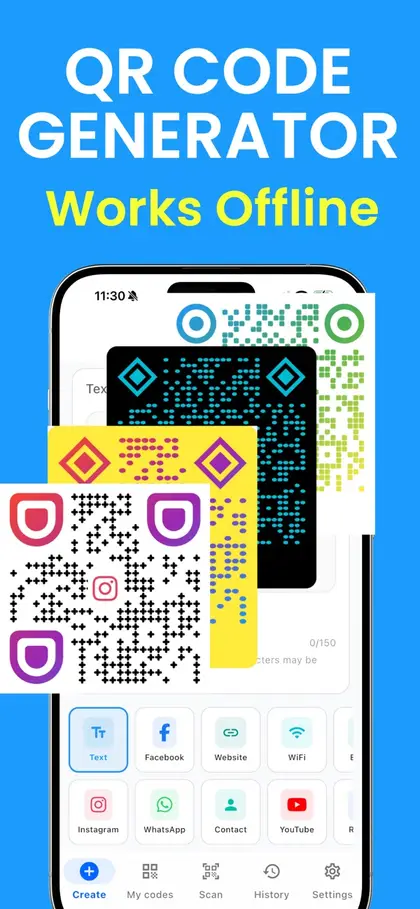
  • Works without an internet connection
Download QR Maker on the App Store

Scan with your iPhone camera to get the app

Free to download on the App Store.
Questions and answers

Is this QR code maker really free?

Yes. Making, downloading and printing codes costs nothing, and there is no account to create. Nothing is held back behind a trial.

Do the QR codes expire?

No. These are static codes: the link, Wi-Fi details or contact card is stored in the dots themselves, not on our servers. There is nothing for us to switch off, and no limit on how many times a code can be scanned. More on why some QR codes expire.

Is what I type sent to you?

No. The code is drawn by your own phone or computer, inside this page. Your link, password or contact details are never uploaded.

Which should I download, PNG or SVG?

PNG is a normal picture and works everywhere: documents, slides, messages, social posts. SVG stays sharp at any size, so it is the better choice for a printer or a designer making a poster, sign or package.

Can I change a code after I print it?

Not a static one. If the link or password changes, make a new code. Before you print a batch, scan the code with your own phone and check that it opens the right thing.

How do people scan it?

They open the camera on an iPhone or Android phone and point it at the code. A banner appears; tapping it opens the link, joins the Wi-Fi or saves the contact. No extra app is needed.

More QR tools