Put your contact details in a code. One scan saves your name, number and email to someone's phone, with no typing and no typos.
Free
No sign-up
Never expires
Fill in the form and your code appears here.
On iPhone, press and hold the code to save it to Photos.
Wi-Fi
How to make a QR code for a business card
Enter your details
Name, mobile and email are enough. Add company, job title and website if you want them saved too.
Download the code
Choose SVG for a printer or designer, PNG to drop into a document or an email signature.
Test, then print
Scan it with your own phone and check every field before you order 500 cards.
Make a code that scans from a small card
Less is more
Every field you add makes the dots smaller. A code with name, mobile, email and company scans easily at 2 cm wide. Add a full postal address and it needs more room. If space is tight, leave the address off; a website link gives people the rest.
Use your number in international form
Type your phone number with the country code, like +1 415 555 0100. It then dials correctly for someone who saves it abroad.
Give the printer the SVG
SVG is a vector file, so it stays razor sharp at any size. A small PNG stretched to fit can print with soft edges, which is the most common reason a card code fails.
Dark code, light background, matte finish
Phones look for dark dots on a light background with clear space around them. Avoid printing the code over a photo or pattern, and be careful with glossy lamination, which reflects light into the camera.
What gets saved to the phone
Field
What the person sees
First and last name
The contact's name
Mobile, work phone
Tap-to-call numbers, labelled mobile and work
Email
Tap-to-write email address
Company and job title
Shown under the name
Website
Tap-to-open link
Address
Tap-to-open in Maps
QR Maker for iPhone
Carry your card on your iPhone
Show your contact code on screen when you run out of cards
Saved in the app, ready at every meeting and event
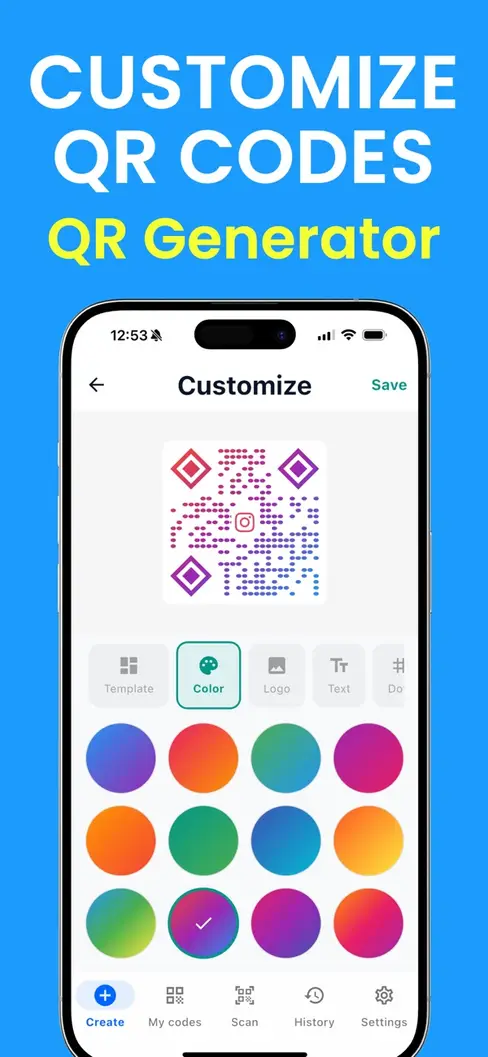
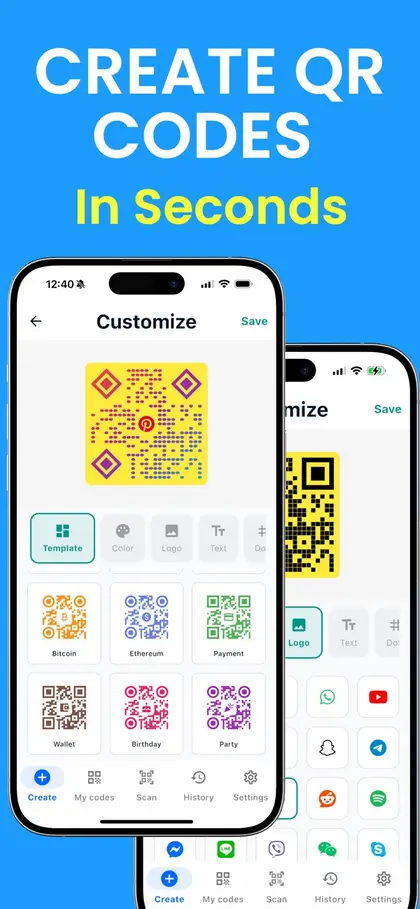
Gradient colors, templates and custom corner shapes for your brand
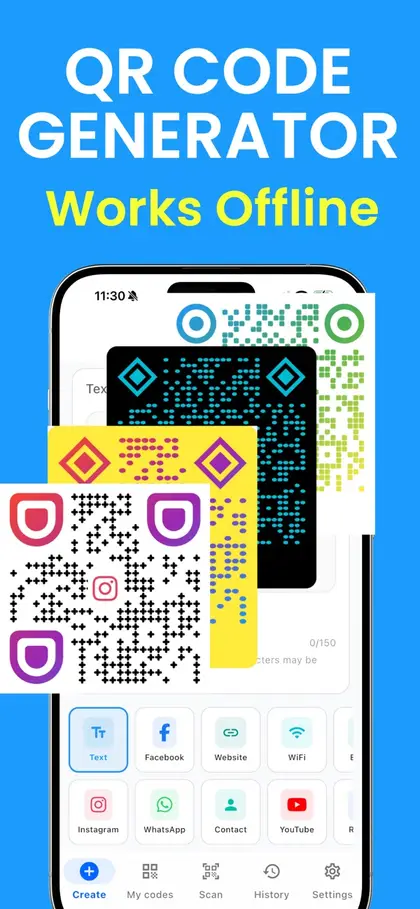
Works without an internet connection
Scan with your iPhone camera to get the app
Free to download on the App Store.
Business card QR code questions
What happens when someone scans it?
Their phone shows a banner with your name. One tap opens a ready-filled contact, and one more saves it. It works with the built-in camera on iPhone and Android; no app is needed, and no internet connection either.
What is a vCard QR code?
vCard is the standard file format for a contact, the same one phones use when you share a contact by message. A vCard QR code simply holds that contact inside the code, which is why it works offline.
Does a business card QR code expire?
No. Your details are stored in the code itself, so it works for as long as the card exists. There is no scan limit and no subscription.
Can I update my details after printing?
Not with this kind of code. It is a fixed snapshot of what you typed. If your number or job changes, make a new code for your next print run. Services that let you edit later store your details on their server and send scanners there; those codes stop working if the account lapses.
Can I add my photo or logo?
A photo will not fit inside a contact code: it would need far more dots than a card has room for. You can put your logo in the middle of the code itself: open Style and choose "Add a logo".
How big should the code be on a business card?
At least 2 cm (0.8 in) wide, and bigger if you filled in an address. Under your code we show the smallest size that will still scan. Leave the white border around it, and keep it dark on a light background.
Should the code replace the text on my card?
Keep both. Some people prefer to read, and a printed number still works when a phone is flat. The code saves everyone else the typing.
Can I use it somewhere other than a card?
Yes: email signatures, name badges, résumés, flyers, a slide at the end of a talk, or the lock screen of your phone at an event.
 QR Maker