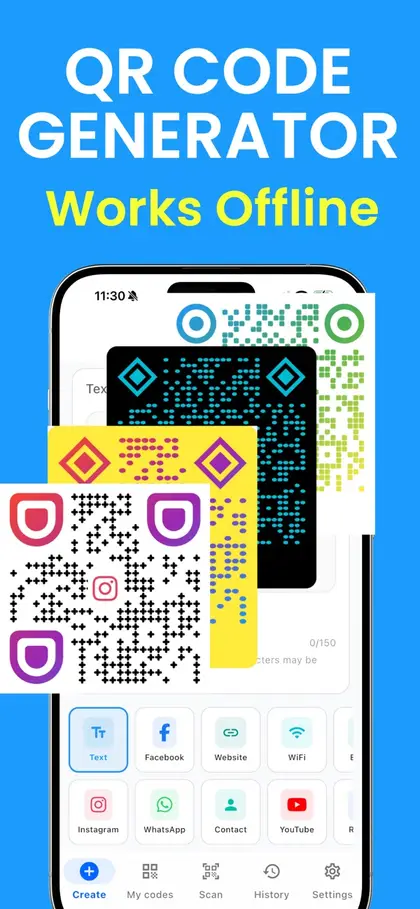
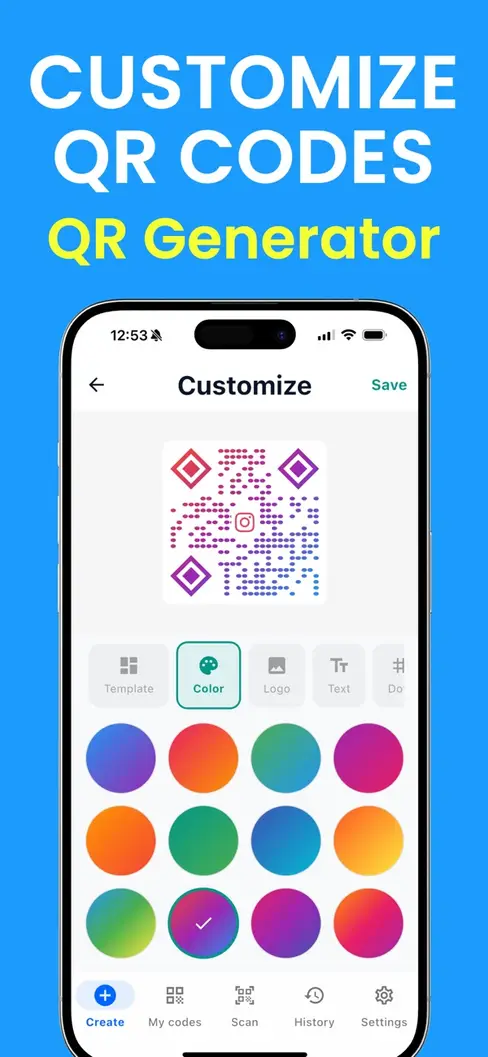
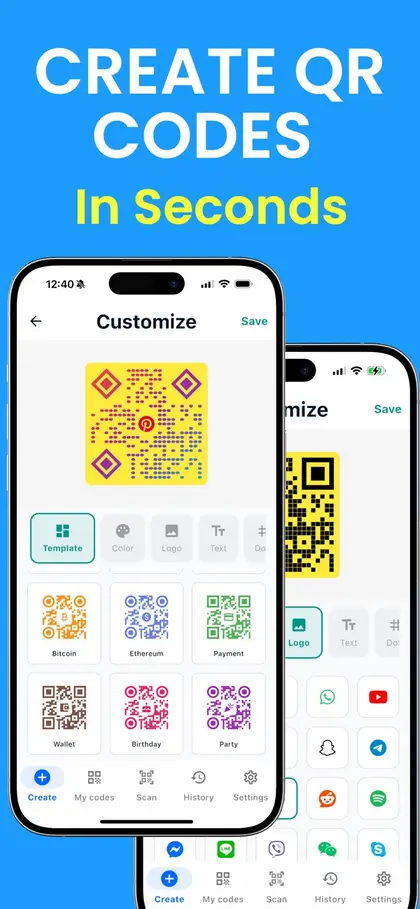
Pick your colors, smooth the dots, round the corners and drop your logo in the middle. We warn you if a choice would make it hard to scan.
Free
No watermark
Never expires
Fill in the form and your code appears here.
On iPhone, press and hold the code to save it to Photos.
Wi-Fi
How to design a custom QR code
Add your content
A link, Wi-Fi details, a contact card or text. The code appears as you type.
Style it
Choose colors, a dot shape and a corner shape. Add a logo if you have one.
Check and download
Look for the green "Scans well" note, test it with your phone, then save the PNG or SVG.
Four rules that keep a styled code scannable
1. Dark on light
Keep the code color much darker than the background. Brand colors usually work as the code color if they are deep enough; use white or a very pale tint behind them.
2. Leave the border alone
The empty margin around a code is part of it. Scanners use it to find where the code starts. Every download here includes it, so do not crop it off or run other artwork into it.
3. Keep the logo small and simple
A compact mark on a plain background works best. Wide wordmarks shrink to unreadable; use the icon part of your logo instead.
4. Test on more than one phone
Try an iPhone and an Android phone, in ordinary indoor light, at the size you plan to print. If either hesitates, increase the contrast or simplify the style.
Style options here
Colors. Six ready-made pairs, or any code and background color you choose.
Dots. Square, smooth (neighbouring dots flow together) or separate round dots.
Corners. The three large corner markers as squares, rounded squares or circles.
Logo. A PNG, JPG or WebP placed in the centre on a clear patch.
Want gradient colors, ready-made templates and more corner shapes? Those are in the QR Maker app for iPhone.
QR Maker for iPhone
More styles in the app
Gradient colors and ready-made templates
More dot and corner shapes than the web version
Every design saved, so you can reuse your look
Works without an internet connection
Scan with your iPhone camera to get the app
Free to download on the App Store.
Custom QR code questions
Can a QR code be any color?
Almost. What matters is contrast: the code must be clearly darker than the background. Dark blue, green, purple or red on white all scan well. Pale colors such as yellow or light grey on white do not. We warn you under the code when the colors are too close.
Can I make a white code on a dark background?
It is risky. Many scanners expect dark dots on a light background, and some will not read the reverse. If your design is dark, put the code on a light panel.
Will a logo stop the code scanning?
Not if it stays small. QR codes carry spare information so they survive damage, and a logo uses up some of that allowance. When you add a logo here, the code switches to the highest level of error correction and keeps the logo to about a quarter of the width.
Do round dots and rounded corners still scan?
Yes. Phone cameras read them without trouble. In the dotted style we keep the small alignment squares solid, because some scanners need them to line the code up.
Can I make a circular QR code?
The data in a QR code is always a square grid, so a truly round code does not exist. You can choose circle corners and round dots here for a softer look, or place the square code inside a round badge in your design, leaving the white border intact.
Which file should I give a designer or printer?
The SVG. It is a vector file that stays sharp at any size and can be recolored in design software. Use PNG for documents, slides and social posts.
Is the custom design free?
Yes. Colors, shapes and a logo are all free here, with no watermark and no account.
 QR Maker